A Beginner's Guide to Understanding Hardware Specifications
Al
Understanding the Basics
When diving into the world of technology, understanding hardware specifications is crucial. These specifications tell you what a device is capable of and help you make informed purchasing decisions. For beginners, the jargon can be overwhelming, but breaking it down makes it manageable.
Hardware specifications typically cover components like the processor, memory, storage, and graphics. Each of these components plays a vital role in the overall performance of a device. Knowing what each part does will empower you to select the right hardware for your needs.
The Central Processing Unit (CPU)
The CPU, often referred to as the "brain" of the computer, handles all instructions from software and hardware. When assessing a CPU, consider its clock speed, measured in gigahertz (GHz), and the number of cores. A higher clock speed and more cores generally mean better performance, especially for multitasking or running complex applications.
For everyday tasks like browsing the internet or word processing, a dual-core processor may suffice. However, for gaming or video editing, a quad-core or higher might be necessary.
Understanding Clock Speed and Cores
The clock speed determines how many cycles per second the CPU can execute, while cores are individual processing units within the CPU. More cores allow the CPU to handle multiple tasks simultaneously, enhancing efficiency and speed.
Memory and Storage
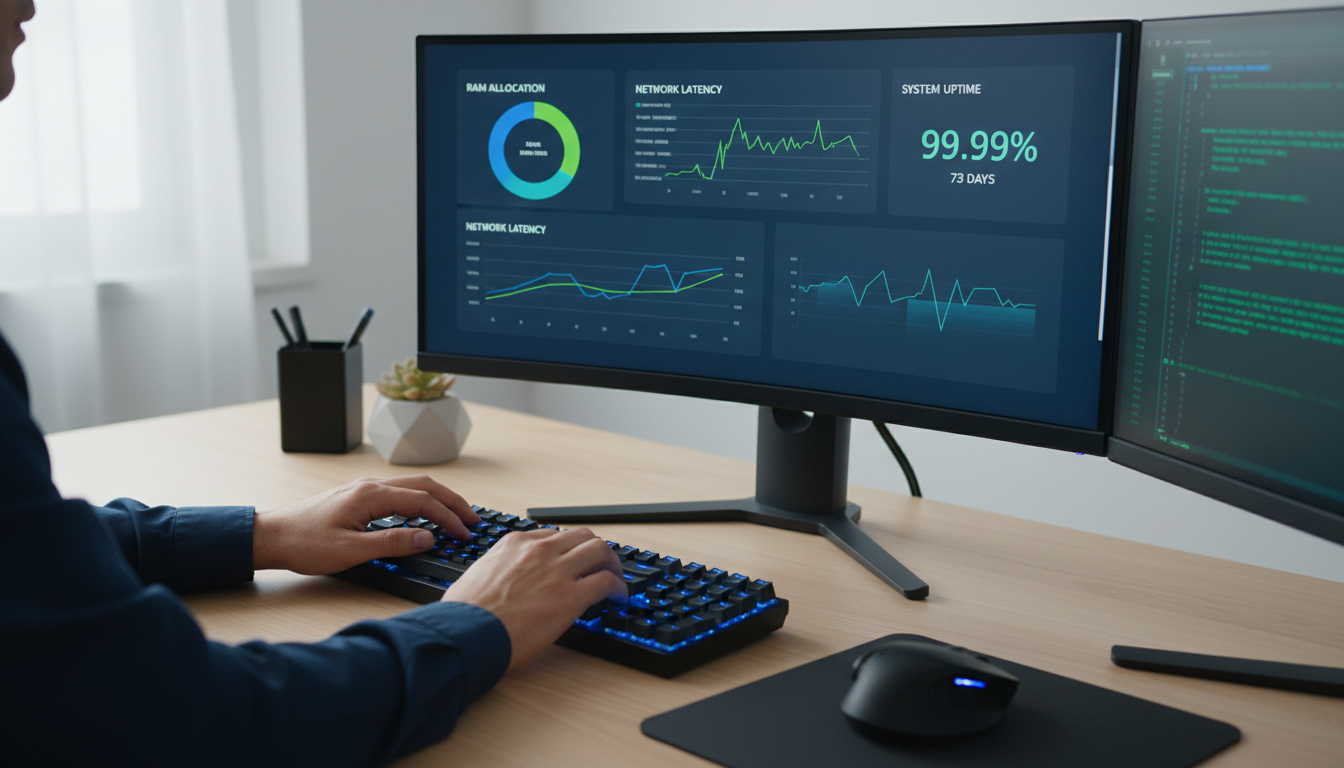
Memory, or RAM (Random Access Memory), is essential for the smooth operation of applications. It temporarily stores data that the CPU uses, allowing for quick access. More RAM means better multitasking capabilities. For basic use, 4GB of RAM may be sufficient, but 8GB or more is recommended for gaming or heavy software applications.
Storage refers to how much data your device can hold. It comes in two main types: HDD (Hard Disk Drive) and SSD (Solid State Drive). SSDs are faster and more reliable than HDDs, making them a popular choice for improved performance.

Graphics and Display
The graphics processing unit (GPU) is crucial for rendering images, videos, and animations. Integrated graphics are built into the CPU and are suitable for basic tasks. However, a dedicated GPU is recommended for gaming, graphic design, or video editing.
When considering display specifications, look at the resolution, measured in pixels. A higher resolution means a clearer and more detailed image. Common resolutions include Full HD (1080p), 2K, and 4K, with 4K offering the best clarity.
Choosing the Right Display
Consider the screen size and type (such as LED or OLED) alongside resolution for the best visual experience. Larger screens provide more workspace and are better for media consumption.
Conclusion
Understanding hardware specifications is key to selecting the right device for your needs. By familiarizing yourself with components like the CPU, memory, storage, and graphics, you can make informed decisions that enhance your tech experience. As you delve deeper into these specifications, you'll find choosing the perfect hardware becomes a straightforward process.
Always consider what tasks you'll be performing most often, and choose components that will best support those activities. With this knowledge, you're now equipped to navigate the tech world with confidence.