Common Hardware Myths Debunked: What You Need to Know
Al
Understanding the Truth Behind Hardware Myths
In the world of technology, myths and misconceptions abound. These can lead to confusion and even unnecessary spending. Let's take a closer look at some of these common hardware myths and set the record straight.

Myth 1: More RAM Equals Faster Performance
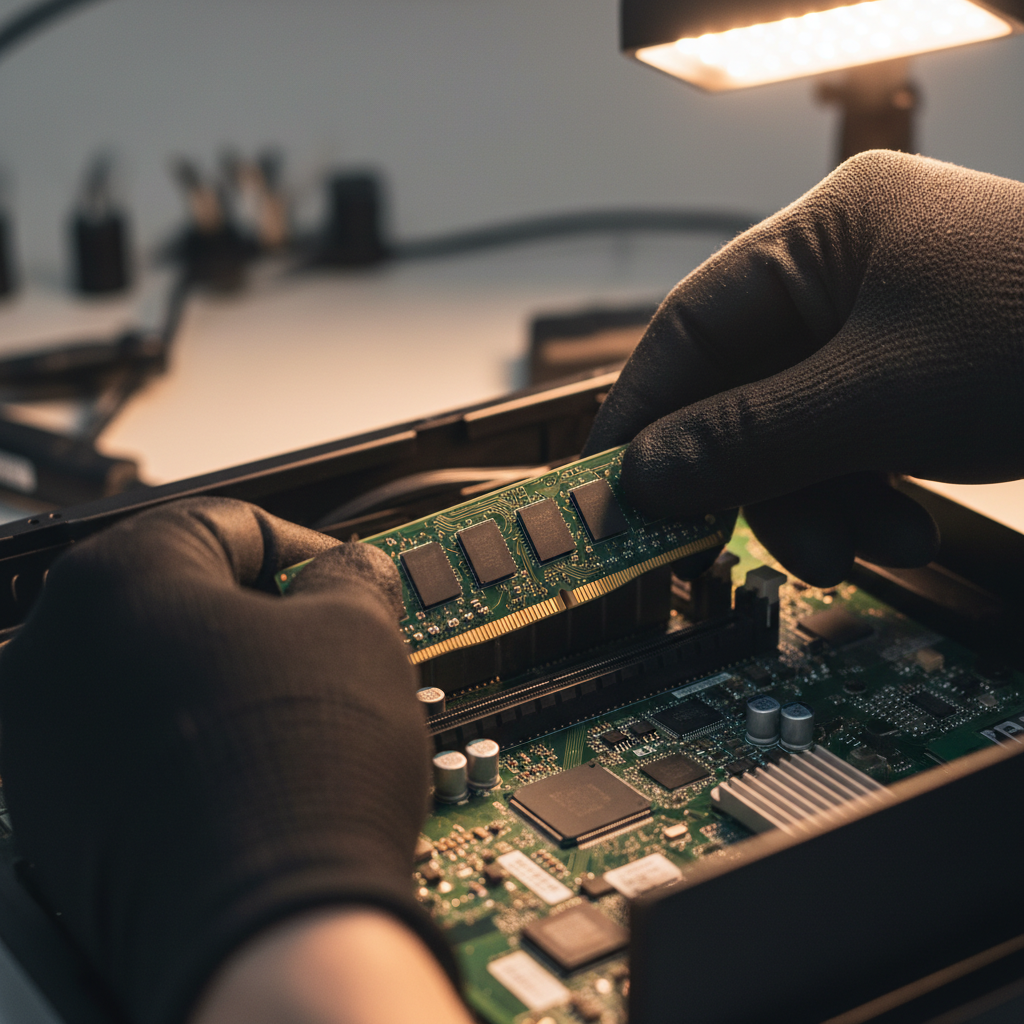
While it's true that RAM is crucial for a computer's performance, simply adding more won't always make your system faster. The key is finding a balance between RAM and other components like the CPU and storage. If your computer isn't using all its available RAM, adding more won't make a difference.
For most users, 8GB to 16GB of RAM is sufficient. However, gamers and professionals working with large files might require more. It's essential to assess your needs before upgrading.
Myth 2: Expensive Cables Improve Quality
Many people believe that pricier cables provide better performance. In reality, digital signals, such as those from HDMI or USB cables, either work or they don't. The difference in quality between a high-end cable and a standard one is often negligible.

The primary concern with cables should be durability and build quality rather than price. A well-made cable will last longer and withstand more wear and tear.
Myth 3: You Need to Shut Down Your Computer Every Night
Shutting down your computer every night was more relevant in earlier days of computing. Modern systems, however, are designed to handle being left on for extended periods. Features like sleep mode and power-saving settings help conserve energy without requiring a full shutdown.
If you're working on a desktop, it's usually fine to leave it on overnight. Laptops, on the other hand, can benefit more from being shut down if battery life is a concern.
Myth 4: Antivirus Software Slows Down Your Computer
While antivirus software can use some system resources, most modern solutions are designed to run efficiently in the background. The key is to choose a reputable antivirus program that doesn't bog down your system.
Regularly updating your software and running scans during off-peak times can help maintain performance without sacrificing security.
Myth 5: Macs Don't Get Viruses
One of the most pervasive myths is that Macs are immune to viruses. While macOS does have robust security features, no system is completely immune. Cybercriminals target all operating systems, and Macs are no exception.

Using a comprehensive security solution and practicing safe browsing habits are vital for keeping any computer safe, whether it's a Mac or a PC.
Conclusion: Stay Informed and Make Wise Decisions
Understanding the truth behind these hardware myths can help you make informed decisions about your tech purchases and maintenance. Always research and question common beliefs, and you'll be better equipped to navigate the ever-evolving world of technology.