Comprehensive Guide to Choosing the Right Hardware for Your Home Office
Al
Understanding Your Needs
Setting up a home office requires careful consideration of your specific needs. Whether you're a remote worker, a freelancer, or a business owner, the right hardware can make a significant difference in productivity and comfort. Begin by evaluating the nature of your work and the technology you use daily. This will help in determining the essential hardware components.
Choosing the Right Computer
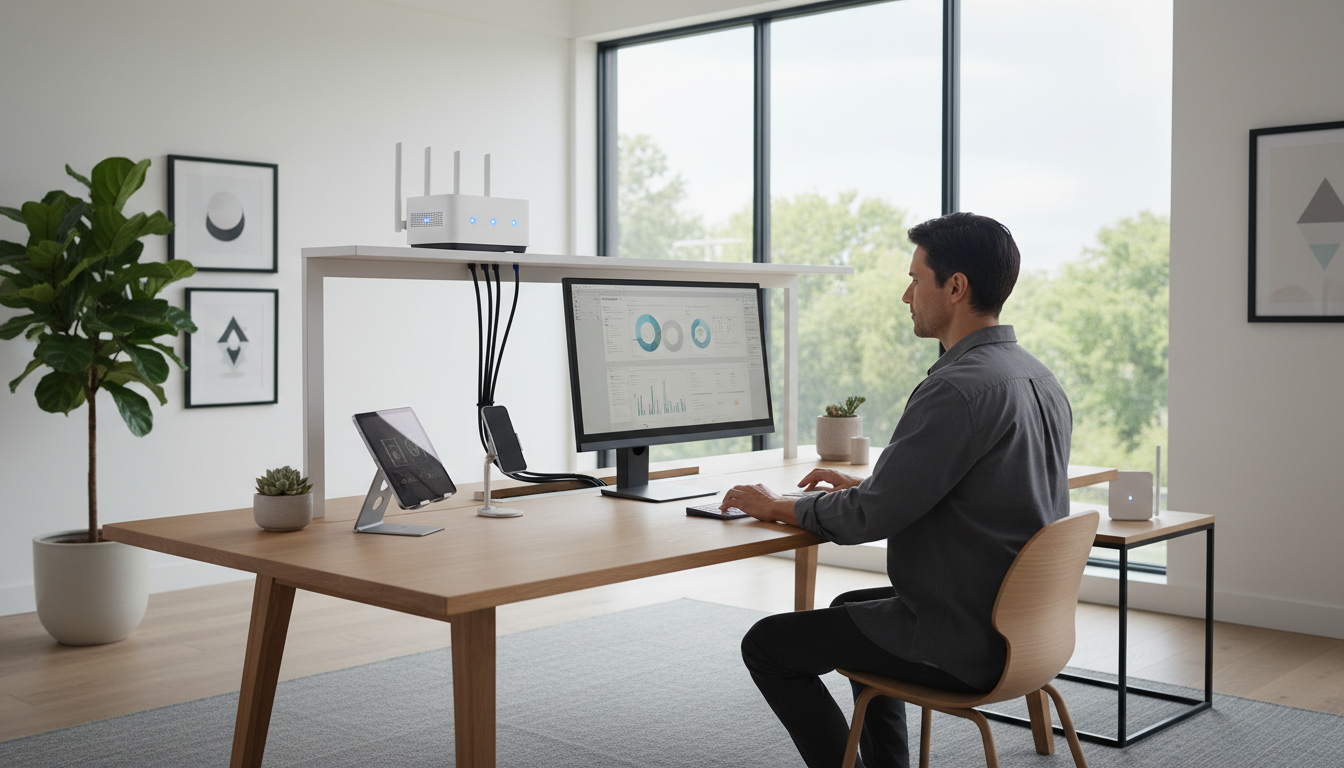
Your computer is the centerpiece of your home office. Decide between a desktop or a laptop based on your mobility needs. Desktops typically offer more power and upgrade options, while laptops provide flexibility and space-saving advantages. Consider the processor speed, RAM, and storage to ensure your computer can handle your work efficiently.
Monitor Selection
An appropriate monitor enhances your productivity and reduces eye strain. Opt for a monitor with high resolution and adjustable settings to suit your workspace. If your work involves graphic design or video editing, a larger screen with accurate color representation might be necessary. Dual monitors can also be beneficial for multitasking.
Peripherals and Accessories
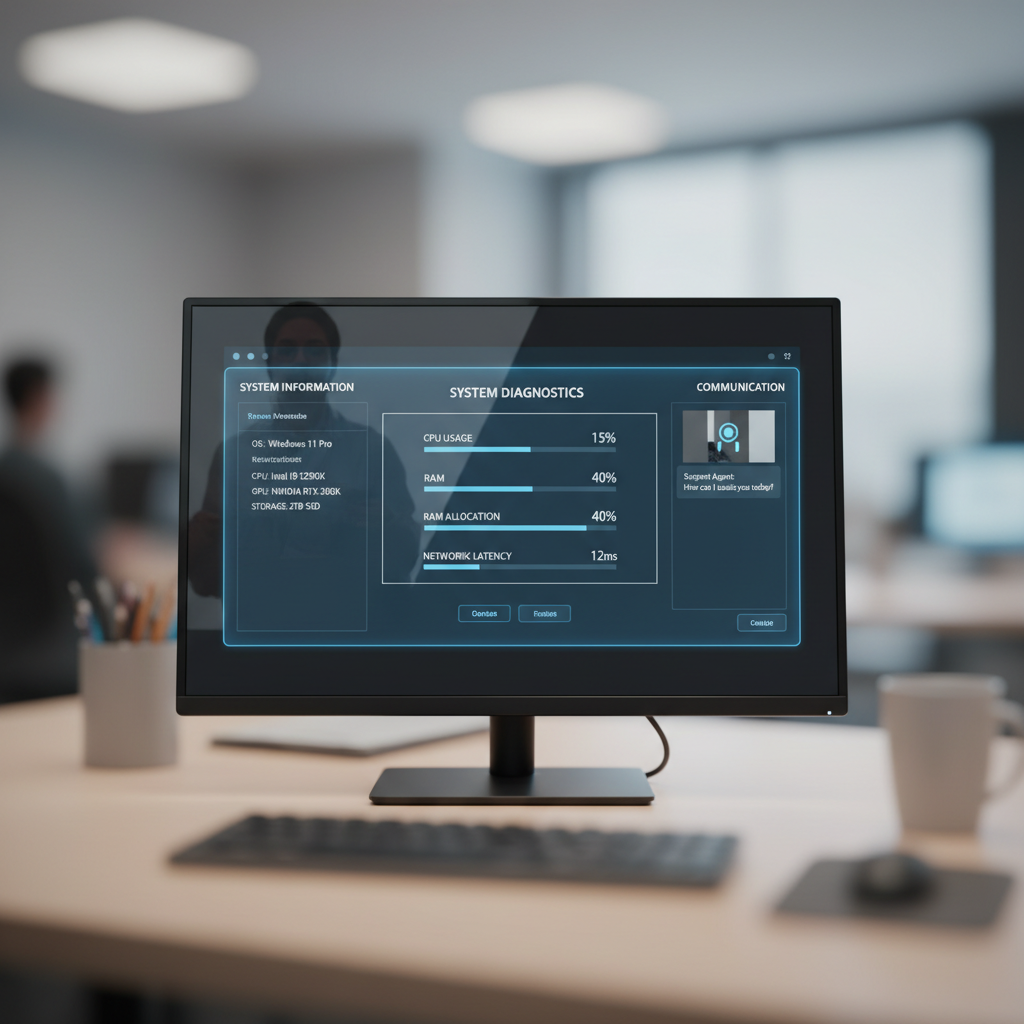
Choosing the right peripherals can streamline your workflow. A comfortable keyboard and mouse are essential for extended work sessions. Consider ergonomic designs to minimize strain. Additionally, think about investing in a quality webcam and microphone if video conferencing is a regular part of your routine.
Printers and Scanners
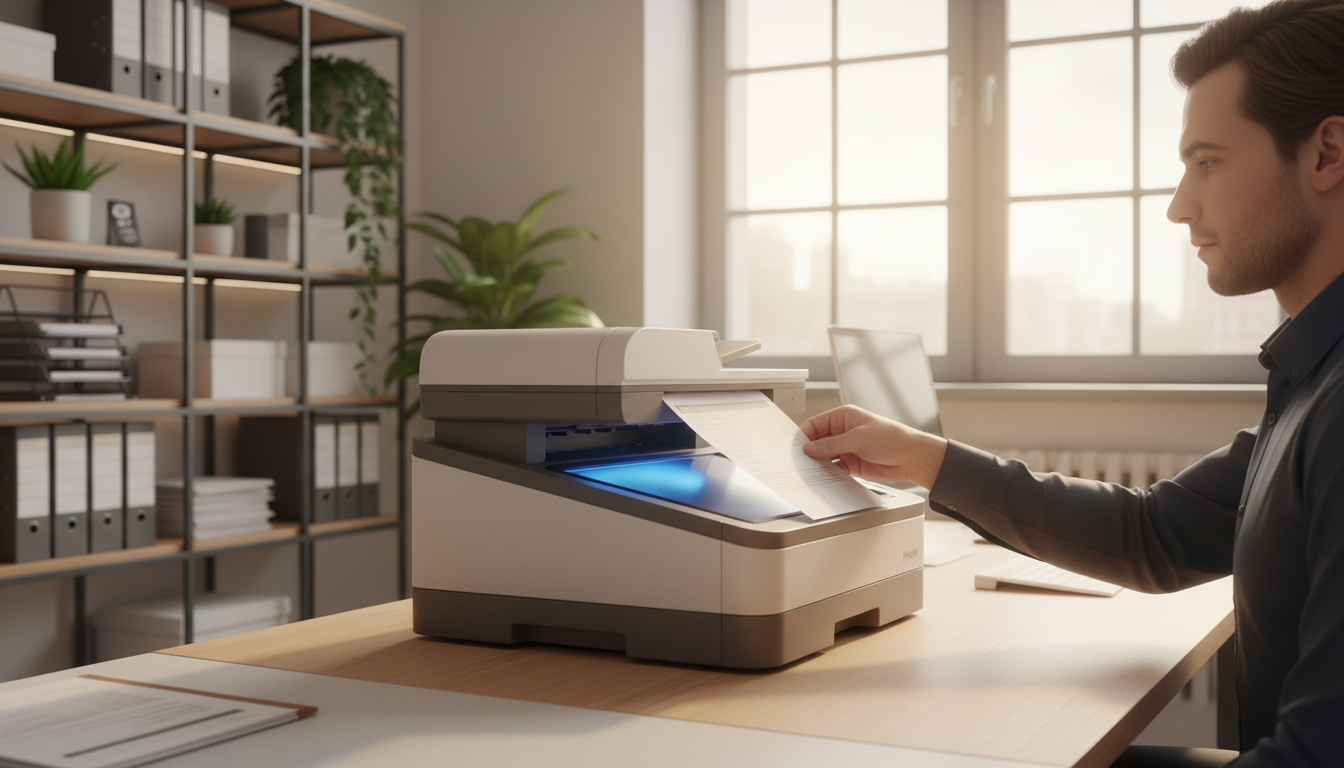
Depending on your field, a printer and scanner might be crucial. All-in-one models can save space and are ideal for handling various tasks. Ensure compatibility with your computer and network for seamless integration. Also, consider wireless options for added convenience.
Networking and Connectivity
Reliable internet is the backbone of a functional home office. Evaluate your current setup and consider upgrading your router for better speed and coverage. A mesh network system can help eliminate dead zones, ensuring a stable connection throughout your workspace. Don't forget to secure your network with strong passwords and encryption.
Backing Up Your Work
Data loss can be catastrophic. Implement a robust backup solution to protect your work. External hard drives and cloud storage services are popular options. Regularly back up your files to avoid potential disasters and ensure business continuity.
Comfort and Ergonomics
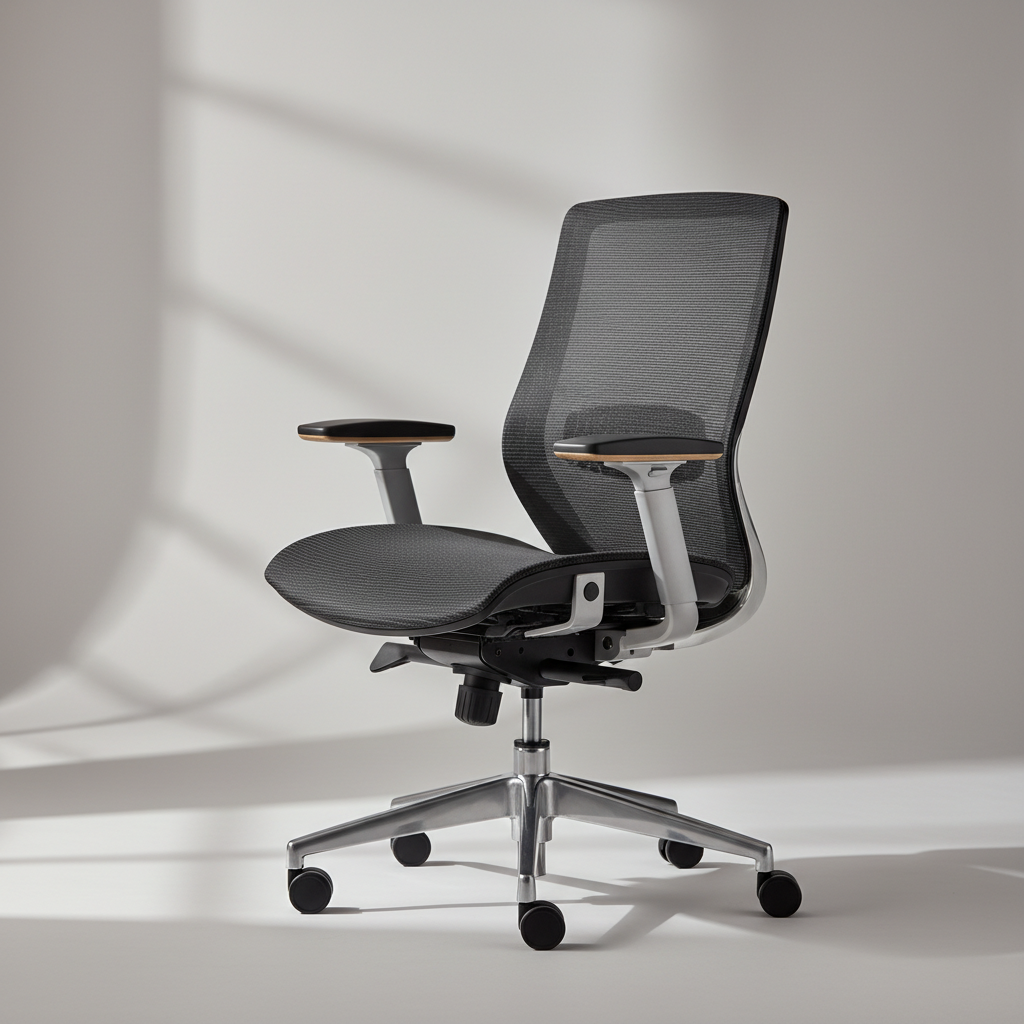
Comfort should not be overlooked when setting up your home office. Invest in a quality office chair that supports your posture. Adjustable desks can offer flexibility between sitting and standing positions, promoting better health. Proper lighting is also crucial to reduce eye strain and maintain focus.
By carefully selecting the right hardware and accessories, you can create a productive and comfortable home office environment. Regularly reassess your setup to ensure it continues to meet your evolving needs, allowing you to work efficiently and effectively from home.