Comprehensive Guide to Choosing the Right Hardware for Your Needs
Al
Understanding Your Hardware Needs
Choosing the right hardware can be a daunting task given the myriad of options available today. Whether you're upgrading your current setup or building a new system from scratch, it's crucial to understand your specific needs. This guide will help you navigate the complexities of selecting the best hardware to suit your requirements.

Identifying Your Purpose
The first step is to clearly identify the purpose of your hardware. Are you looking to enhance your gaming experience, improve productivity for work, or simply need a reliable machine for everyday use? Each purpose has distinct requirements which will guide your hardware choices.
For instance, gaming demands high-performance graphics cards, while productivity-focused setups might prioritize a powerful CPU and ample RAM. Understanding your primary use case is essential in narrowing down your options.
Key Components to Consider
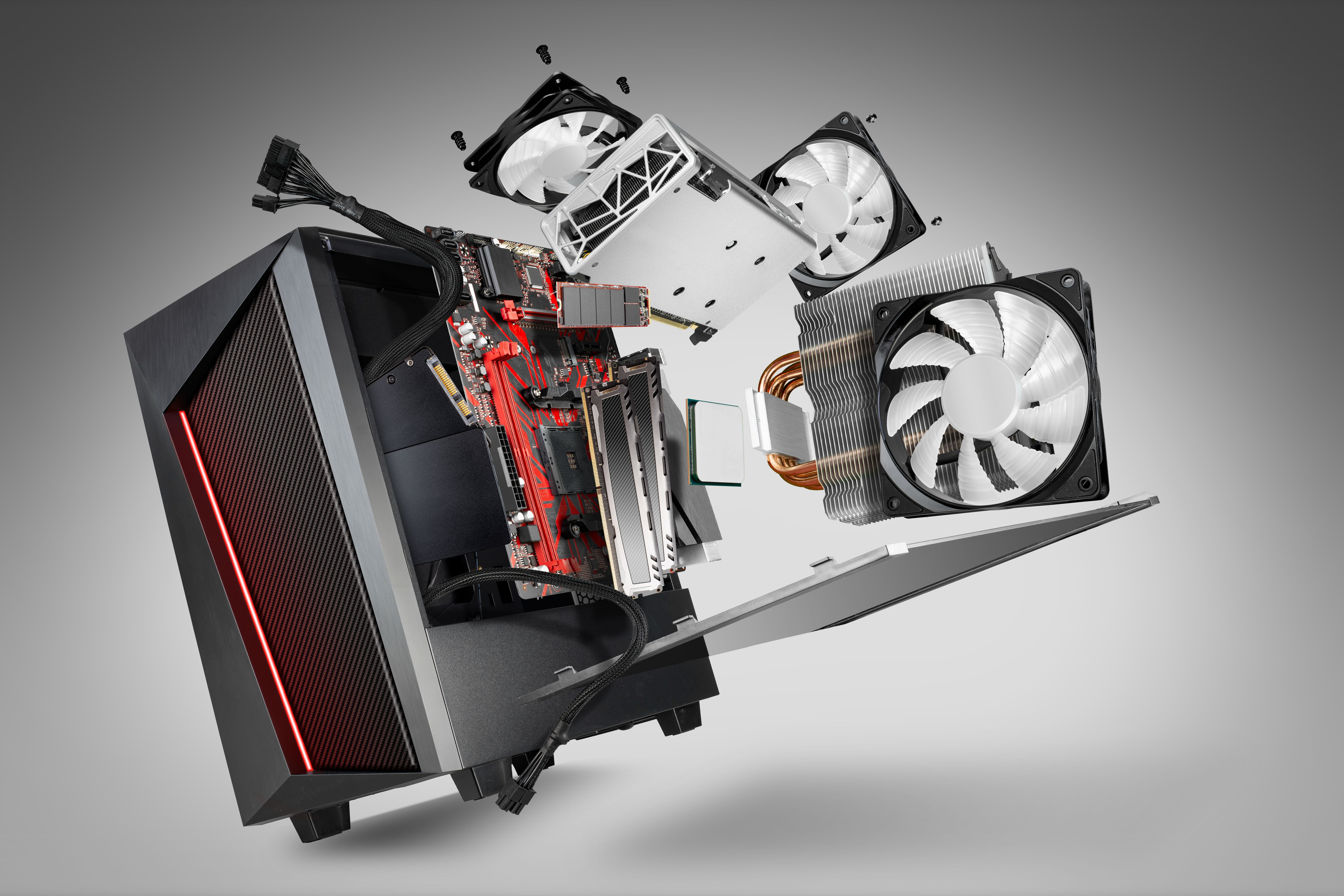
Once you've identified your needs, it's time to focus on the key components. These include the CPU, GPU, RAM, storage, and motherboard. Each component plays a vital role in the overall performance of your system.
Central Processing Unit (CPU)
The CPU is the brain of your computer. It's important to choose a processor that aligns with your tasks. For basic computing, an entry-level CPU may suffice, but for gaming or video editing, a more powerful processor is necessary. Brands like Intel and AMD offer a range of options to fit different budgets and needs.
Graphics Processing Unit (GPU)
If you're into gaming or graphic design, a robust GPU is crucial. This component handles the rendering of images and videos, making it a critical aspect of your setup. NVIDIA and AMD are leading manufacturers offering various models to cater to different performance levels.

Memory and Storage
Memory (RAM) and storage are equally important. For multitasking and smooth performance, aim for at least 8GB of RAM, though 16GB or more is ideal for demanding applications. As for storage, consider the speed and capacity you need. SSDs offer faster load times compared to traditional HDDs.
Motherboard Compatibility
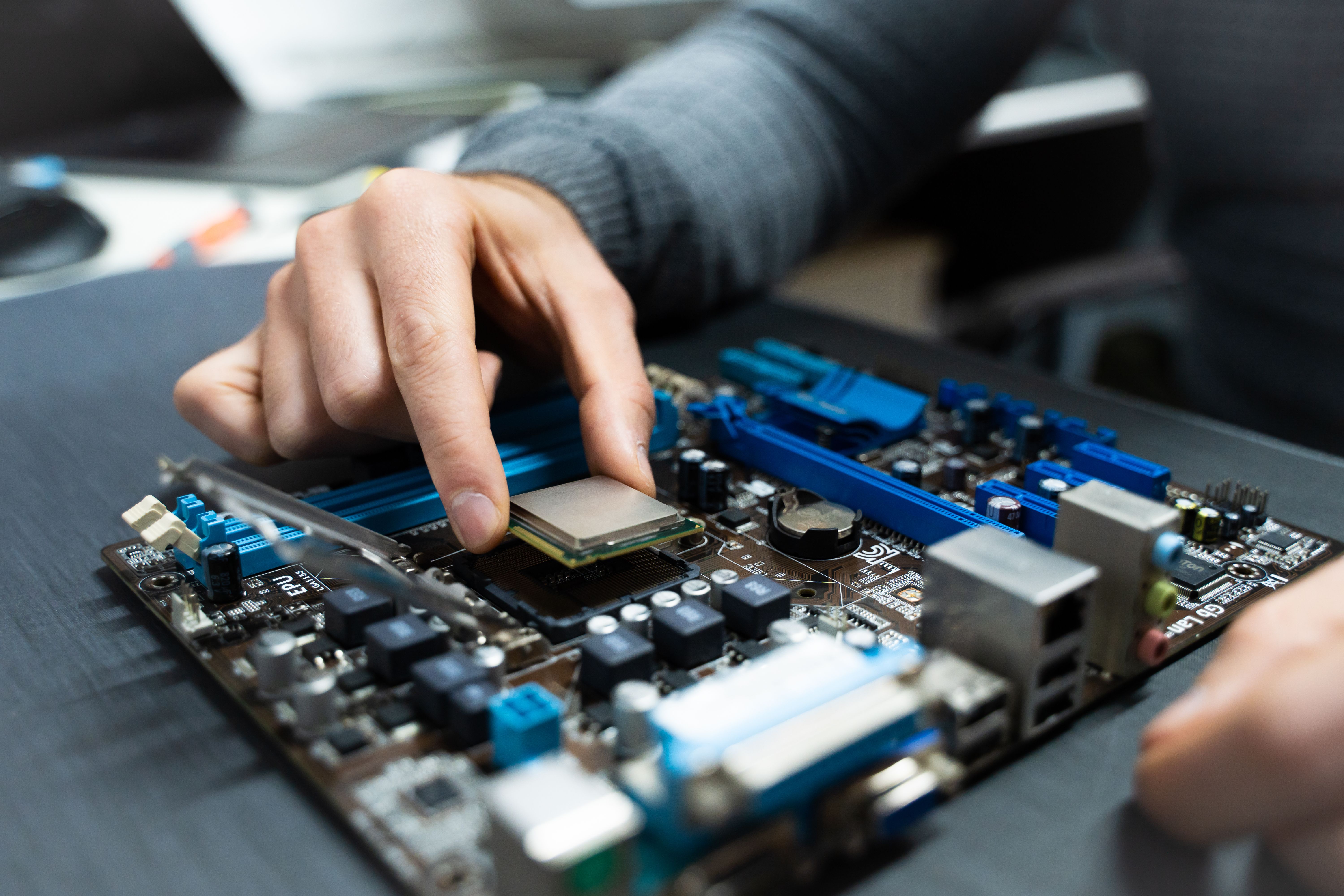
Your choice of motherboard will affect your system's expandability and compatibility. Ensure that it supports your chosen CPU, GPU, and RAM. Additionally, consider future-proofing by opting for a motherboard with extra slots for potential upgrades.
Balancing Budget and Performance
Budget is always a factor when selecting hardware. It's important to balance cost with performance. Prioritize components that will have the most impact on your needs and look for deals or bundled offers that might provide better value.
Remember, investing in good hardware can enhance your experience and productivity, but there's no need to overspend if your requirements are modest. Carefully assess both your needs and financial constraints to make an informed decision.