DIY Tips for Setting Up a High-Performance Gaming Rig
Al
Choosing the Right Components
Building a high-performance gaming rig starts with selecting the right components. The heart of any gaming PC is the CPU and GPU. For optimal performance, choose a fast processor and a high-quality graphics card. Popular choices include AMD Ryzen and NVIDIA GeForce series.
Memory is another crucial factor. Aim for at least 16GB of RAM to ensure smooth multitasking and gaming. Additionally, consider investing in an SSD for faster load times, which can significantly improve your gaming experience.
Motherboard and Cooling
When selecting a motherboard, ensure it is compatible with your CPU and has enough slots for your RAM and other peripherals. A good motherboard can also offer features like overclocking support and enhanced audio.
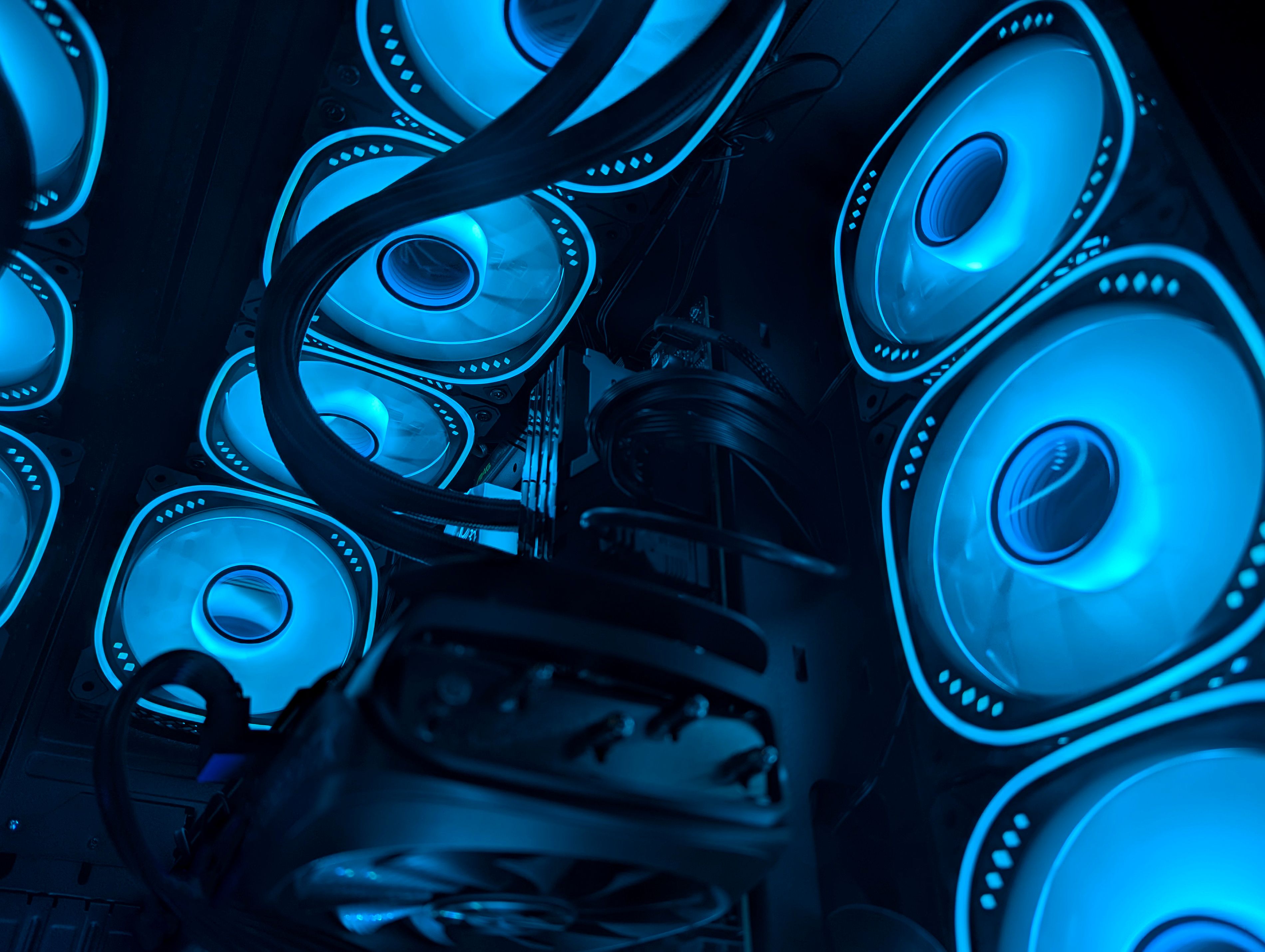
Cooling is essential to maintain performance and longevity. Opt for a reliable air cooler or a liquid cooling system, especially if you plan on overclocking your components.
Assembling Your Rig
Once you've gathered all your components, it's time to assemble your rig. Start by mounting the CPU and RAM onto the motherboard before placing it in the case. Make sure to handle all components with care to avoid any damage.
Next, install the power supply and connect it to the motherboard, GPU, and storage devices. Proper cable management is crucial for maintaining airflow and aesthetics inside your case.

Installing Software and Drivers
After assembling your hardware, installing the operating system and necessary drivers is the next step. Windows is a popular choice for gaming, but Linux can also be a viable option for certain games.
Ensure all drivers, especially for your GPU, are up to date to get the best performance. Many manufacturers provide management software to optimize your settings and keep your drivers current.
Optimizing Performance
Once your system is up and running, there are several ways to optimize performance. Overclocking your CPU and GPU can provide a noticeable boost, but it requires careful monitoring of temperatures and stability.

Regularly cleaning your system and updating your software can also enhance performance. Tools like disk defragmenters and system optimizers can help maintain speed and efficiency.
Final Touches
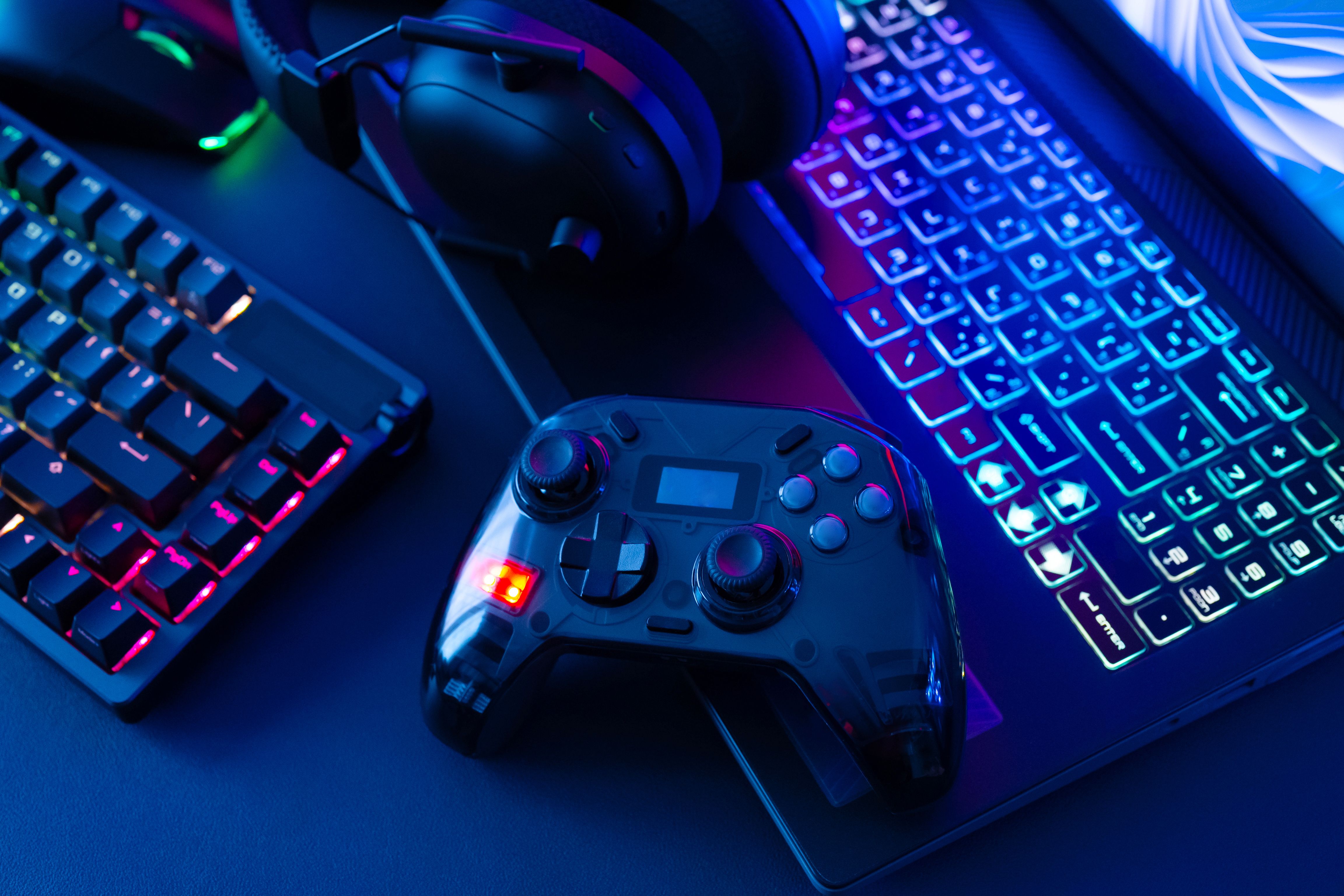
Personalizing your gaming rig with RGB lighting and custom peripherals can make your setup unique. Consider investing in a quality monitor and comfortable gaming chair to complete the experience.
With careful planning and assembly, your DIY high-performance gaming rig can provide countless hours of immersive gameplay. Enjoy the process and happy gaming!