Expert Advice on Upgrading Your Home Office Hardware
Al
Understanding Your Home Office Needs
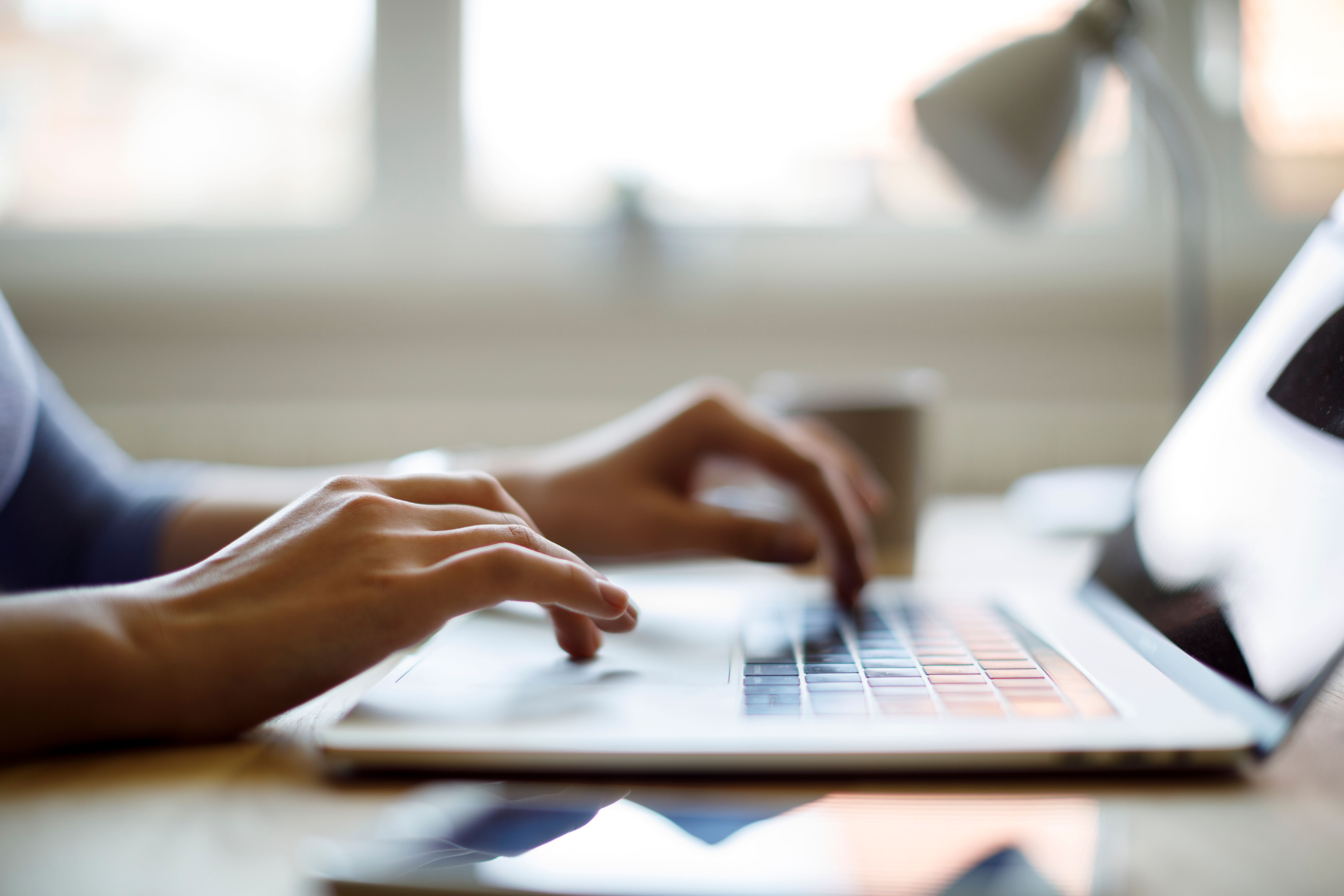
Upgrading your home office hardware requires careful consideration of your specific needs. Are you focusing on video conferencing, graphic design, or data analysis? Identifying the primary activities you engage in will help tailor your hardware choices to best suit your workflow.

Choosing the Right Computer
The computer is the heart of your home office. If your work involves heavy graphic design or video editing, consider investing in a high-performance desktop or laptop with a powerful processor and sufficient RAM. For general office tasks, a mid-range laptop or desktop should suffice.
Consider the operating system as well. Windows, macOS, and Linux each offer unique features. Select the one that aligns with your software needs and personal preferences.
Enhancing Your Display
A quality monitor can significantly enhance your productivity. Look for a display with at least 1080p resolution, though 4K may be ideal for design work. Multiple monitors can also boost efficiency by allowing more space to organize your tasks.
Improving Connectivity
Reliable internet connectivity is crucial for remote work. Ensure your router is up-to-date and consider a mesh Wi-Fi system for better coverage. Additionally, using a hardwired Ethernet connection can provide more stable speeds compared to Wi-Fi.
Investing in Ergonomic Accessories
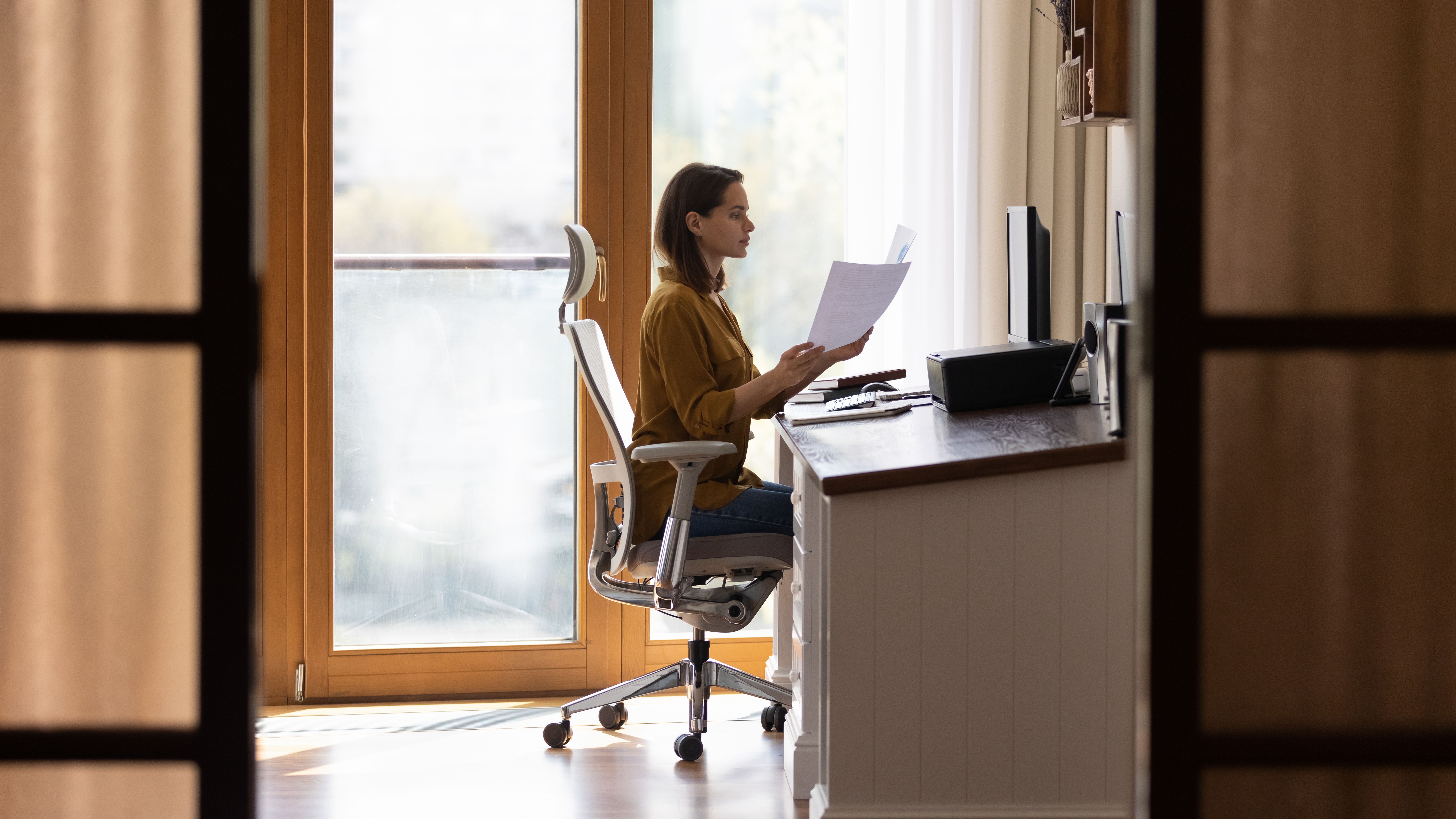
Comfort is key in a home office environment. Invest in an ergonomic chair and desk to ensure good posture and physical comfort. Accessories like an ergonomic mouse and keyboard can also reduce strain over long working hours.
Incorporating Audio and Visual Equipment
For frequent video calls, a quality webcam and microphone are essential. Look for a webcam with high resolution and a microphone with noise-canceling features to ensure clear communication. A good pair of headphones can also enhance audio quality and focus.
Ensuring Data Security
Don't overlook the importance of data security. Invest in external hard drives for backups and consider cloud storage solutions. Ensure your devices have up-to-date antivirus software and enable encryption for sensitive data.
Budgeting for Your Upgrade
Finally, set a realistic budget for your hardware upgrades. Prioritize your needs and consider purchasing refurbished or second-hand equipment to save costs without compromising quality. Proper planning can result in a more efficient and enjoyable home office environment.