Expert Tips on Upgrading Your Home Office Tech Setup
Al
Assess Your Current Setup
Before diving into new tech purchases, it's crucial to evaluate your existing setup. Identify what works well and what areas need improvement. Consider aspects such as ergonomics, connectivity, and efficiency. A thorough assessment ensures that your upgrades will be both necessary and impactful.
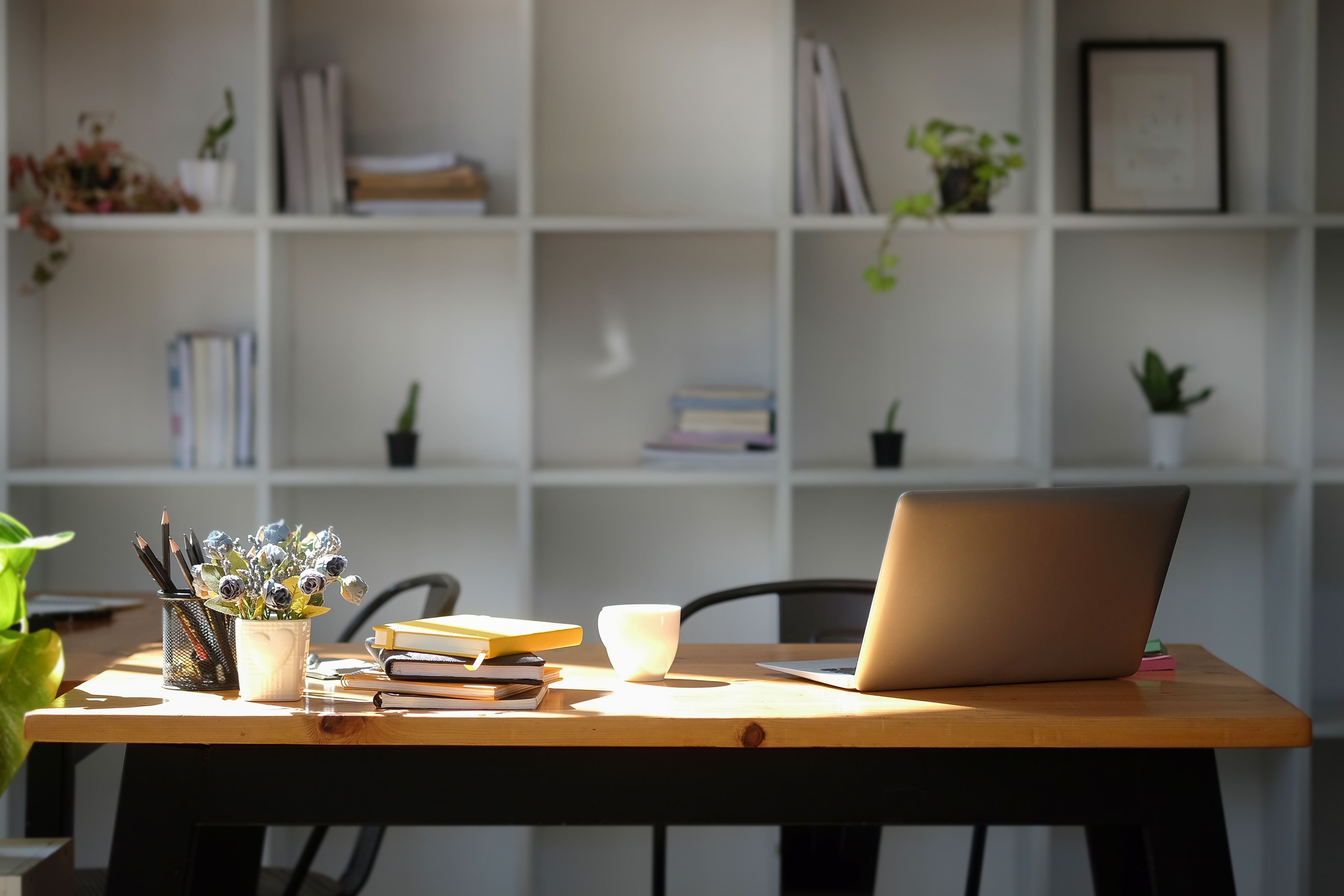
Once you've pinpointed the gaps, create a prioritized list. This will help streamline your shopping process and ensure you invest in items that genuinely enhance your productivity and comfort.
Invest in a Quality Monitor
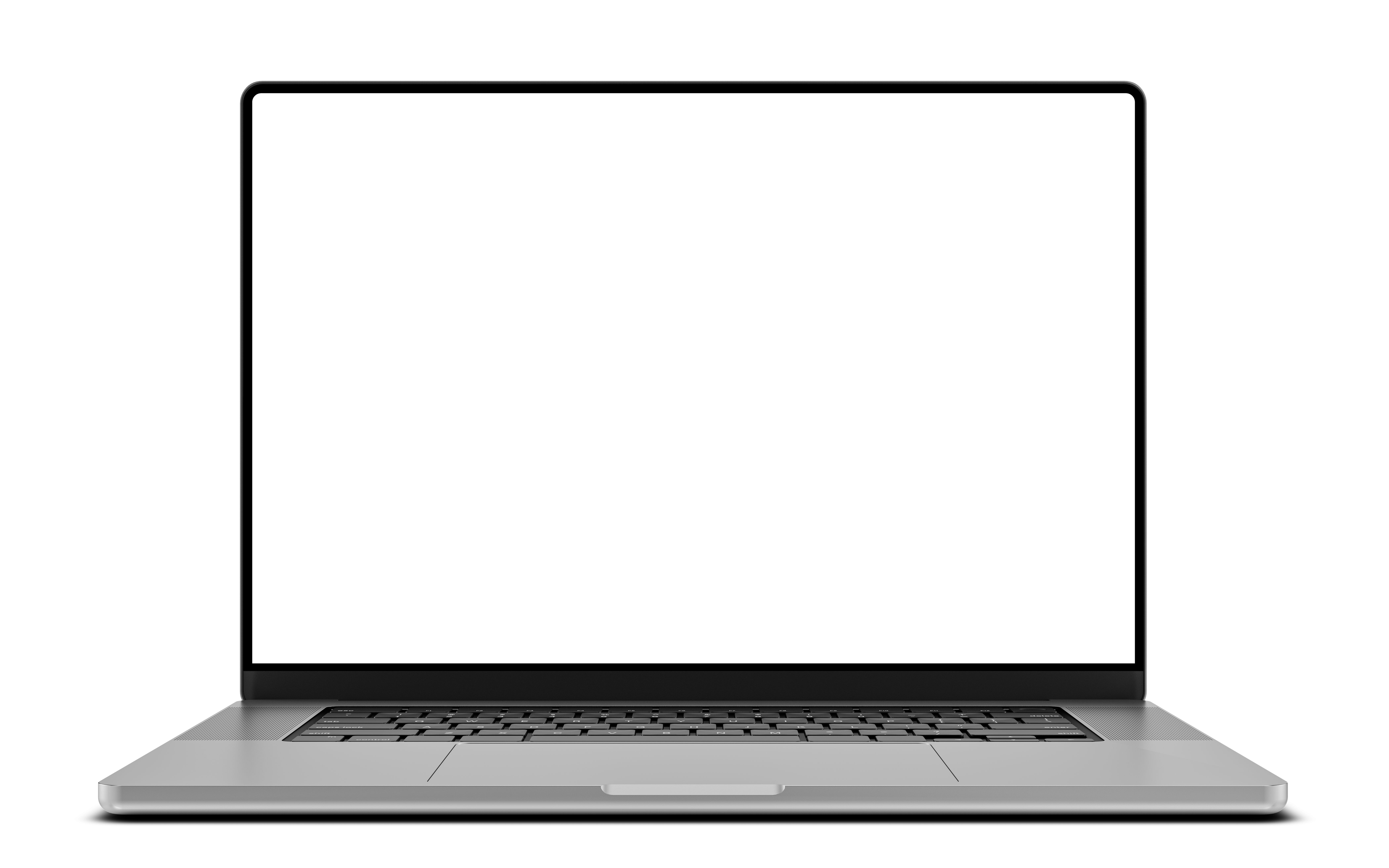
An upgraded monitor can significantly improve your work experience. Look for a display with high resolution and good color accuracy. Larger screens or dual-monitor setups can enhance your multitasking abilities, allowing for better workflow management.
Consider features such as adjustable stands and blue light filters to reduce eye strain. A quality monitor is an investment in both your comfort and productivity.
Upgrade Your Internet Connection
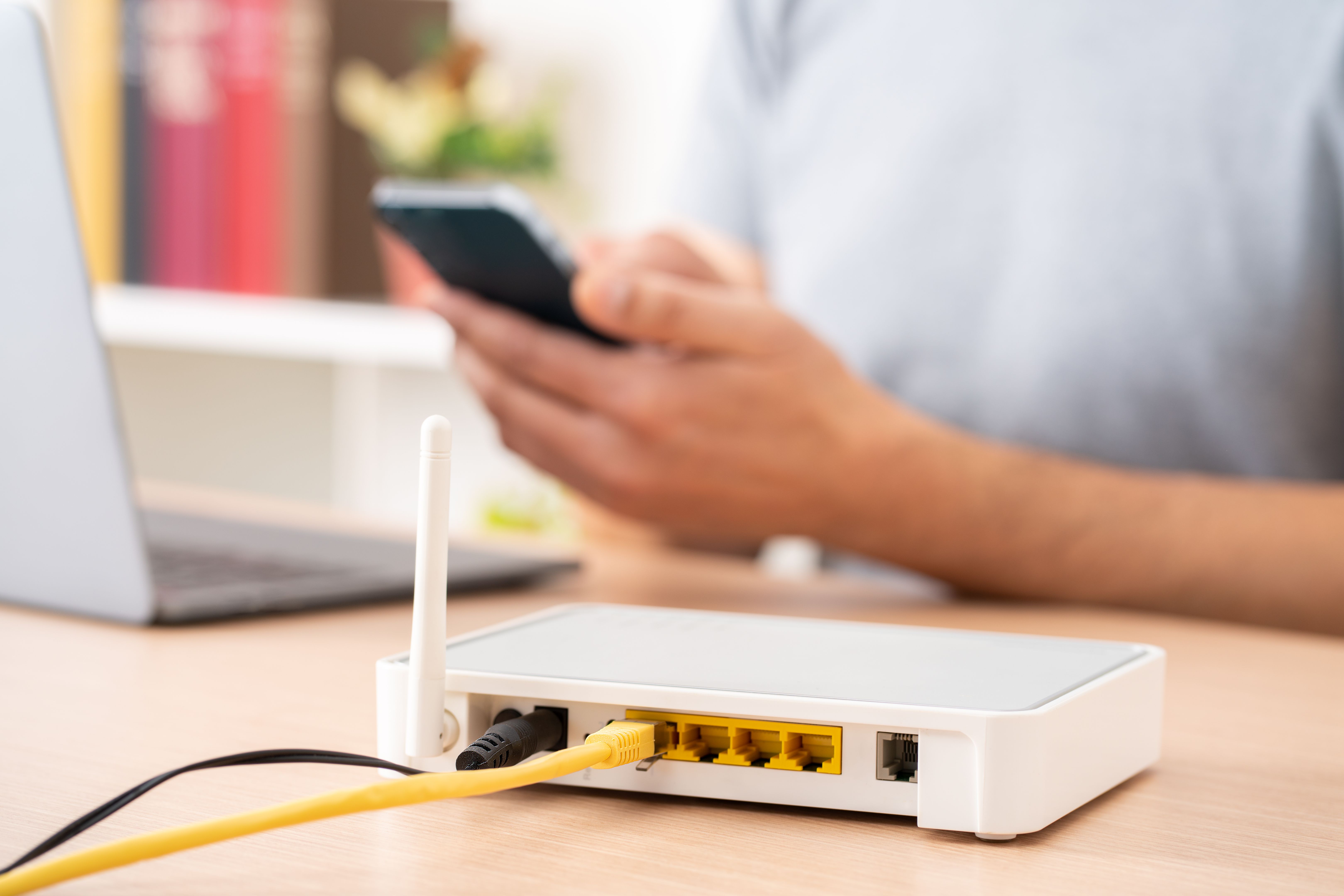
In a world where connectivity is key, having a fast and reliable internet connection is essential. Upgrading your router or opting for a mesh network can greatly enhance your Wi-Fi coverage and speed.
Check with your service provider for the latest plans and ensure your setup is optimized for speed. This can make a significant difference in video calls and data transfers.
Enhance Audio and Video Quality
With remote work becoming more prevalent, high-quality audio and video equipment are crucial. Invest in a good webcam and microphone to ensure clear communication in virtual meetings.
Consider noise-canceling headphones to block out distractions and maintain focus. These upgrades can improve your professional presence and engagement during calls.
Streamline with Smart Accessories
Smart accessories like wireless chargers, ergonomic keyboards, and mice can streamline your workspace. These tools not only enhance comfort but also contribute to a clutter-free environment.
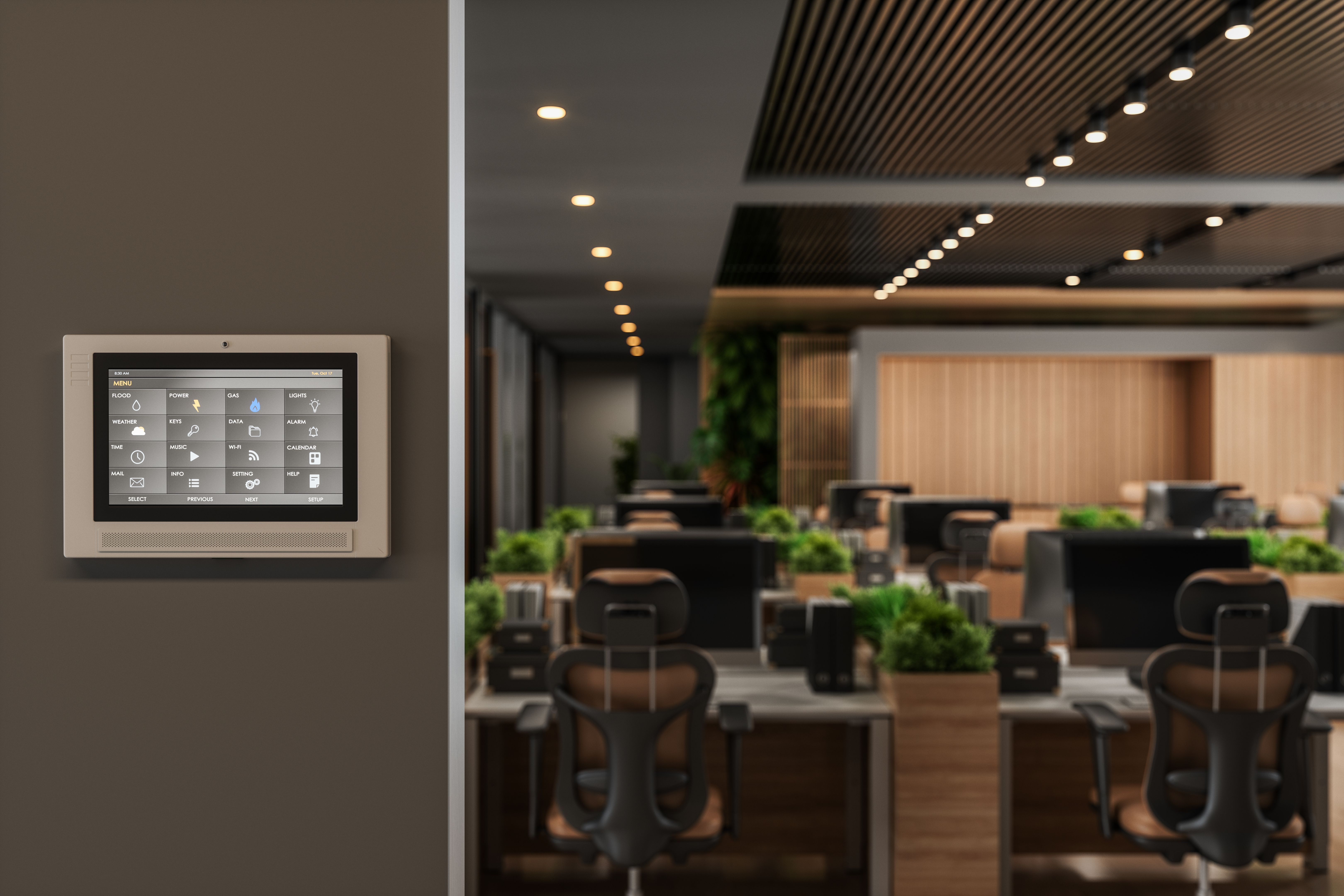
Look for accessories that offer multifunctionality and compatibility with your existing devices. This ensures a seamless integration into your current setup.
Prioritize Ergonomics
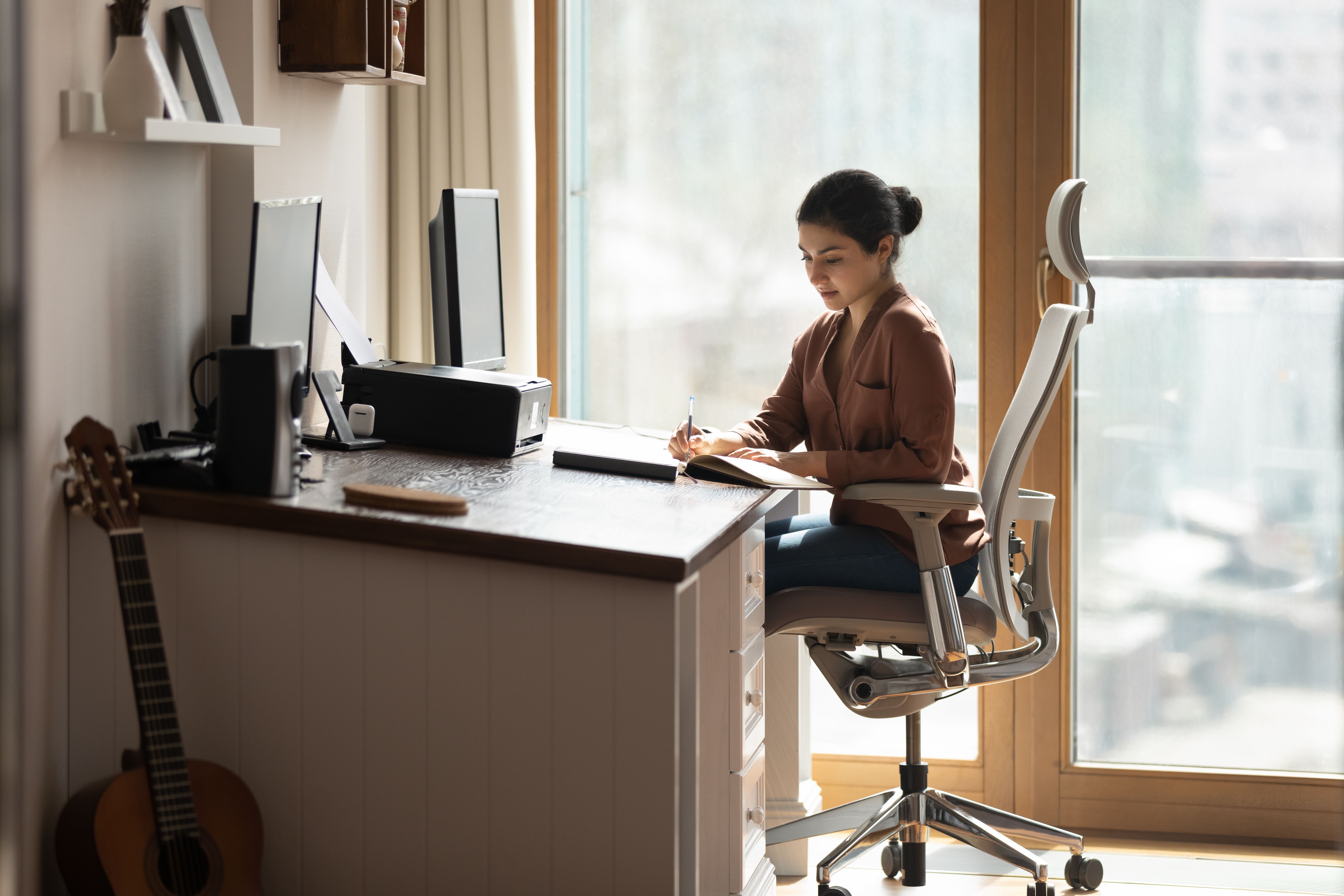
Ergonomics should always be a top priority when upgrading your home office. Consider investing in an adjustable chair and desk to promote a healthier posture.
Accessories like footrests and monitor stands can further improve your comfort. A well-designed ergonomic space can lead to better focus and reduced physical strain.
Implement Effective Cable Management
With multiple devices, cable management can become a challenge. Utilize cable organizers or under-desk trays to keep cords tidy and out of sight.
This not only improves the aesthetics of your workspace but also reduces the risk of tripping or damaging cables. A clean setup contributes to a more professional and efficient environment.
Regularly Update and Maintain Your Tech
Once you've upgraded your home office tech, it's important to keep it well-maintained. Regular software updates and hardware checks ensure everything runs smoothly.
Consider setting reminders for maintenance tasks and stay informed about new technologies. This proactive approach will help you make the most of your investment and keep your home office running efficiently.