Myth-Busting: Common Misconceptions About Hardware Performance
Al
Understanding Hardware Performance
When it comes to hardware performance, several misconceptions can lead to misguided decisions. Understanding the truth behind these myths is crucial for making informed choices about your technology investments. In this post, we'll debunk some of the most common myths surrounding hardware performance.
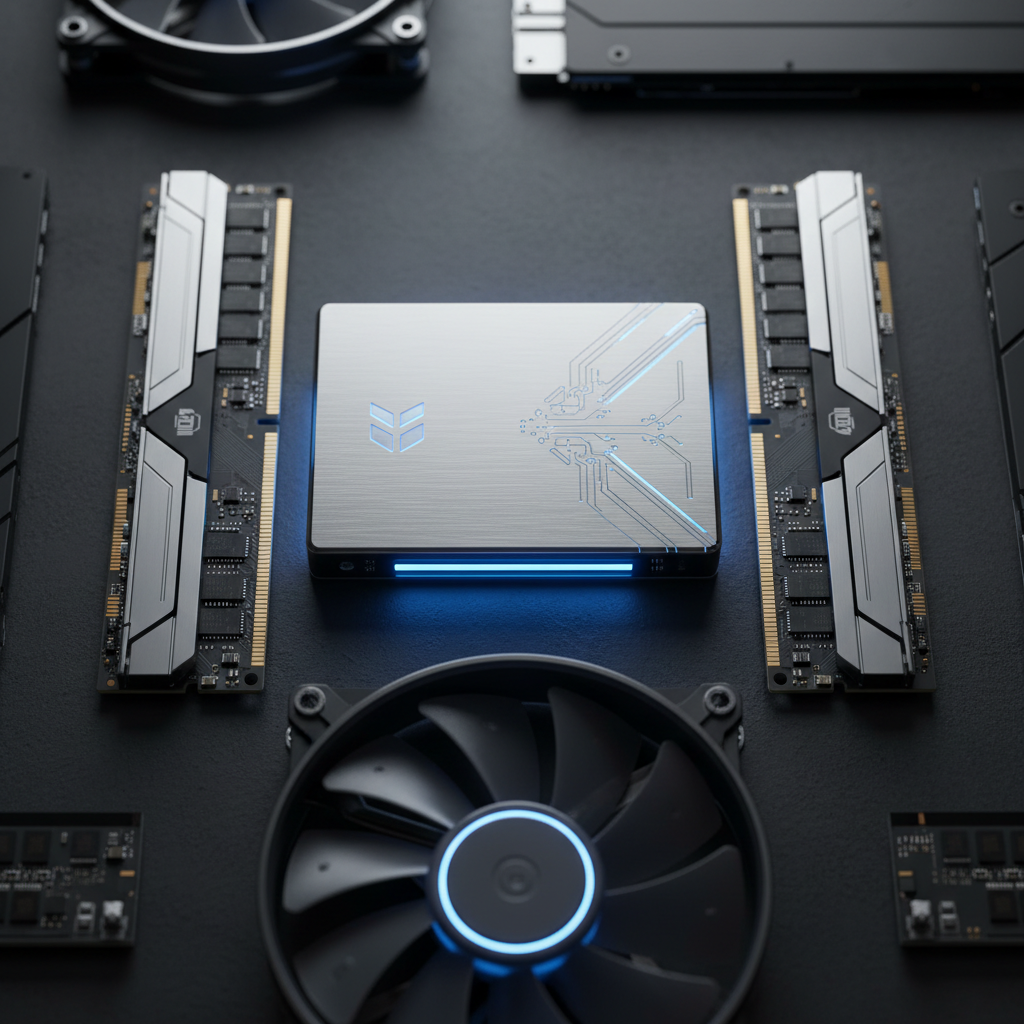
Myth 1: More Cores Mean Better Performance
While having multiple cores can enhance performance, it doesn't automatically translate to better efficiency across all tasks. The type of application you're running plays a significant role. For instance, software optimized for multi-threading can take advantage of multiple cores, but single-threaded applications won't see much improvement.
It's essential to assess your specific needs and choose hardware that aligns with the applications you use most frequently. In some cases, a processor with fewer, faster cores might be more beneficial.
Myth 2: More RAM Always Improves Speed
RAM is critical for performance, but adding more RAM than necessary doesn't always result in a speed boost. If your system already has enough RAM to handle your tasks, adding more won't make a difference. It's about having the right amount rather than the maximum amount.
Before upgrading, consider whether your system's slow performance is due to RAM limitations or other issues like CPU bottlenecks or disk speed.
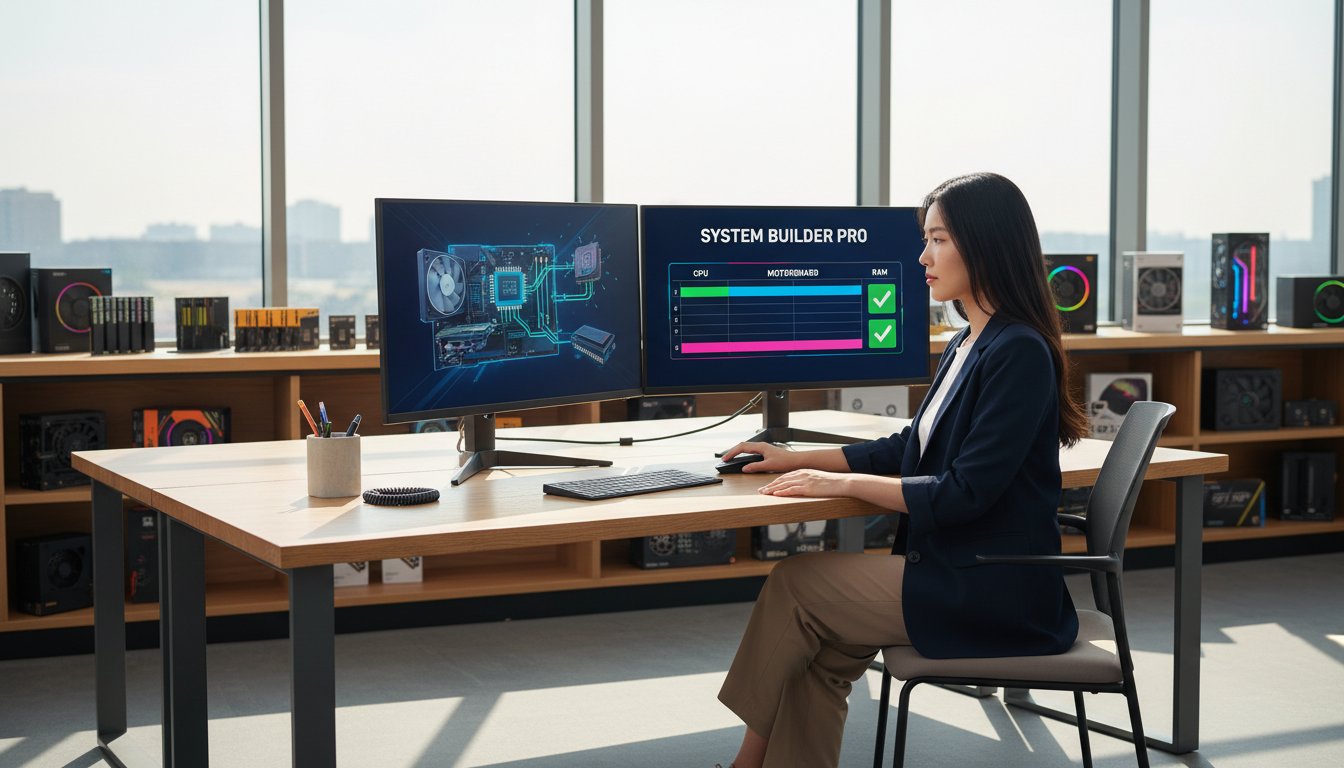
Myth 3: Graphics Cards Are Only for Gamers
Graphics cards, or GPUs, are often associated with gaming, but their applications extend far beyond that. They are vital for tasks that require heavy graphical processing, such as video editing, 3D rendering, and even machine learning.
Investing in a good GPU can significantly enhance performance in these areas. However, if your primary tasks are web browsing or word processing, a high-end GPU may not be necessary.
Myth 4: SSDs and HDDs Offer Similar Performance
Solid State Drives (SSDs) and Hard Disk Drives (HDDs) serve the same purpose but have different performance characteristics. SSDs provide faster data access speeds, leading to quicker boot times and faster file transfers compared to HDDs.
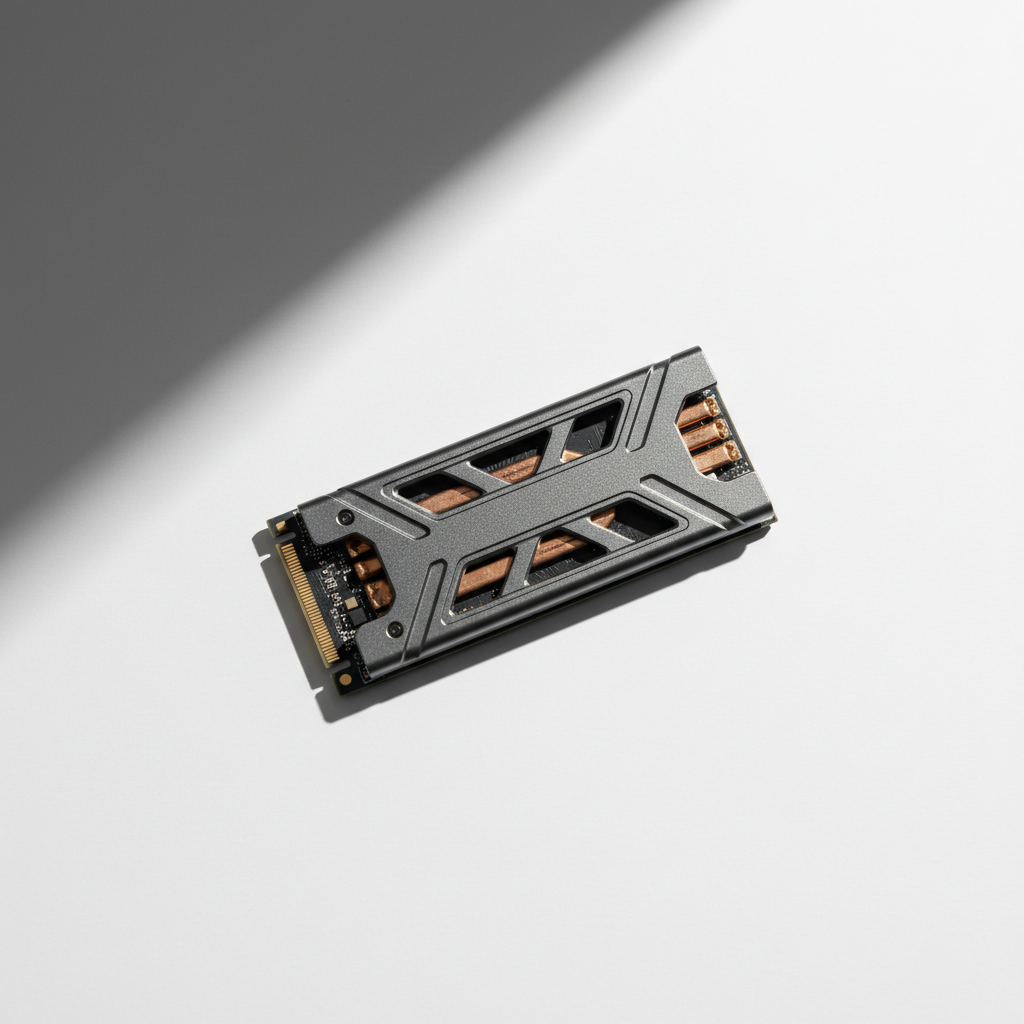
For anyone looking to improve their computer's responsiveness, upgrading to an SSD can be one of the most impactful changes.
Myth 5: Overclocking Is Always Dangerous
Overclocking, the process of increasing the clock speed of your CPU or GPU, is often viewed as risky. However, modern hardware is designed with overclocking in mind, and with the right cooling solutions, it can be done safely.
Overclocking can provide a performance boost but should be approached with caution. Ensure that your system has adequate cooling and that you're comfortable with potential risks.
Conclusion
Understanding the nuances of hardware performance myths can help you make better decisions about your technology. By focusing on your specific needs and understanding the capabilities of your hardware, you can optimize your system for the best performance without falling for common misconceptions.