Understanding Hardware Specifications: A Beginner's Guide
Al
Introduction to Hardware Specifications
Understanding hardware specifications can be daunting for beginners. However, knowing the basics can greatly aid in making informed decisions when purchasing or upgrading devices. This guide aims to simplify hardware jargon and help you grasp the essentials.
Central Processing Unit (CPU)
The CPU, often referred to as the brain of the computer, is crucial for processing instructions. Key specifications include the number of cores and clock speed. More cores can improve multitasking, while higher clock speeds boost performance for individual tasks.
Cores and Threads
Cores are individual processing units within the CPU. Modern CPUs may also support multithreading, which allows each core to handle multiple tasks simultaneously, enhancing efficiency.
Memory: RAM and Storage
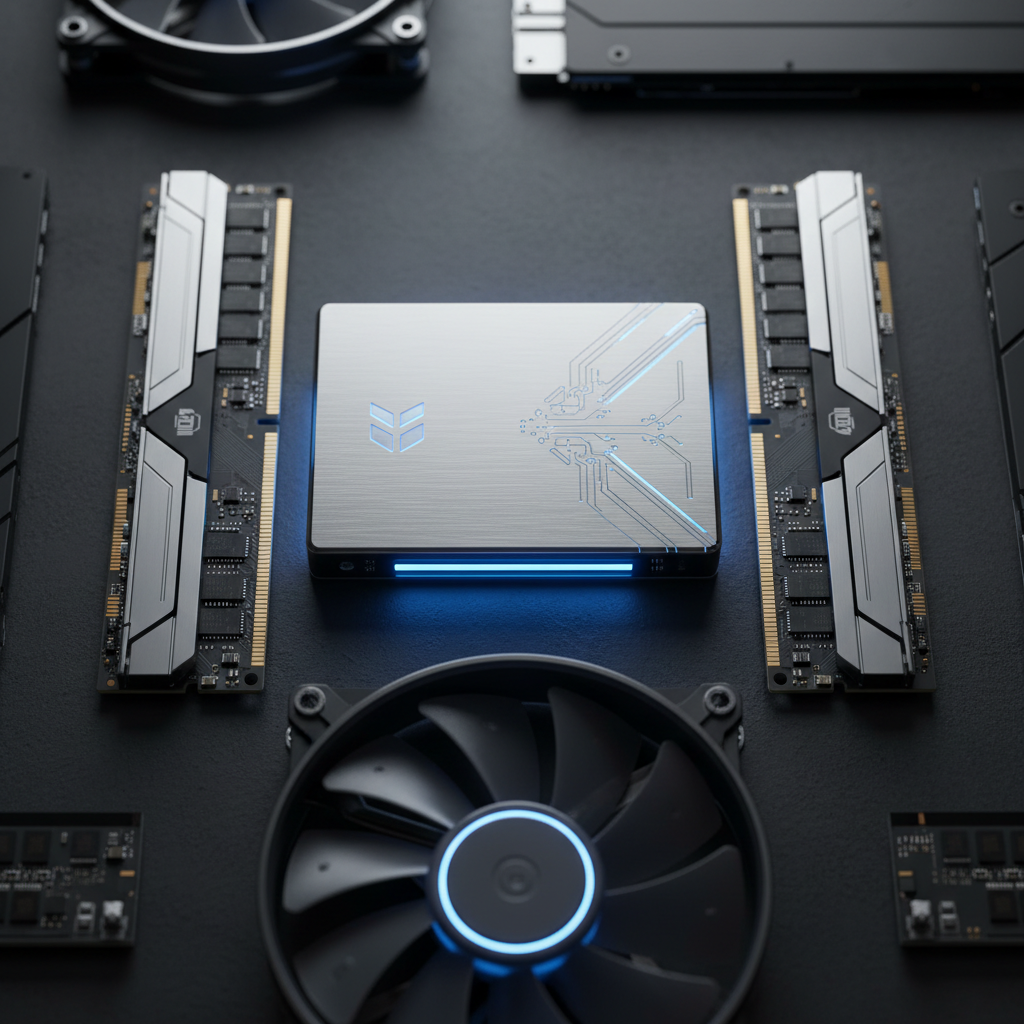
Random Access Memory (RAM) and storage are vital for a computer’s performance. RAM temporarily stores data for quick access, making it essential for multitasking and running complex applications.

Storage Types
The two main types of storage are Hard Disk Drives (HDD) and Solid State Drives (SSD). SSDs are faster and more reliable, though typically more expensive, while HDDs offer larger storage capacities at a lower cost.
Graphics Processing Unit (GPU)
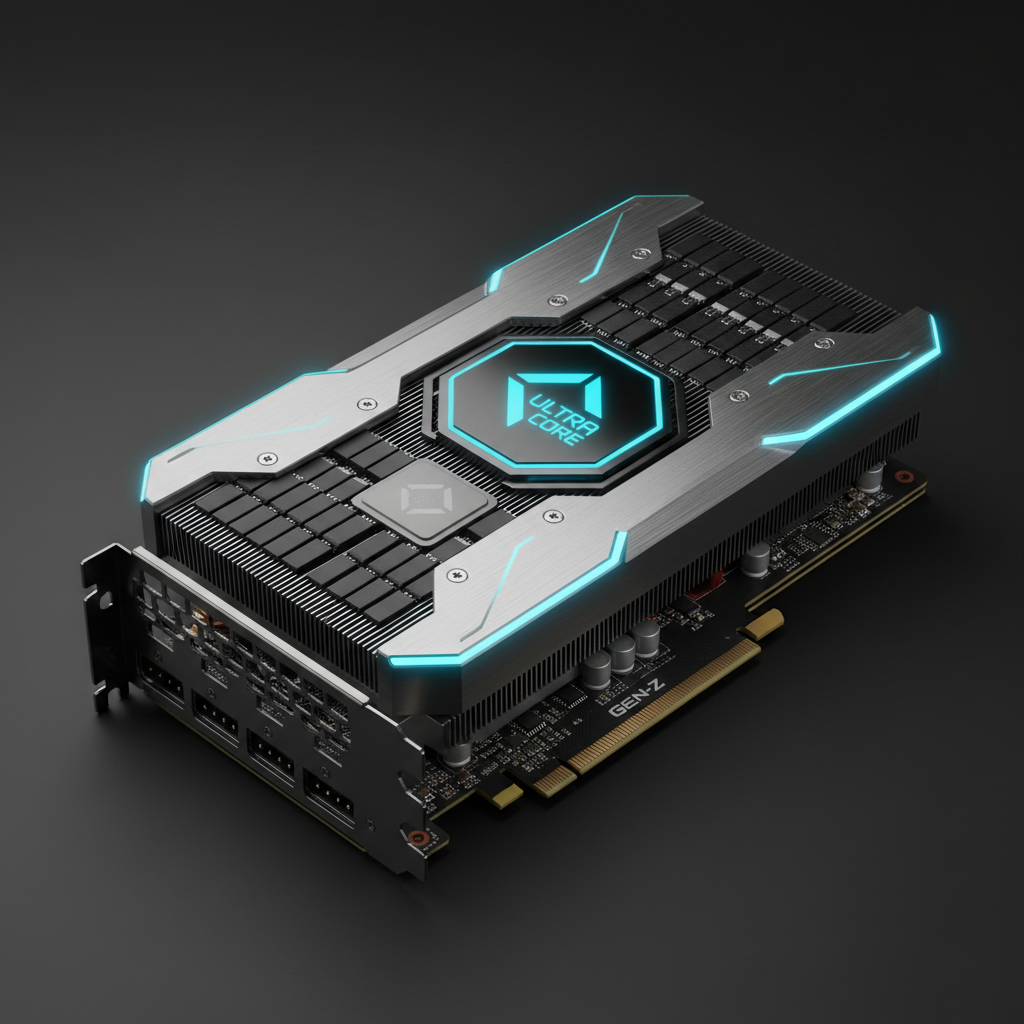
The GPU is responsible for rendering images, videos, and animations. It's especially important for gaming, graphic design, and video editing. Key specifications include the type of memory (GDDR) and the number of cores.
Integrated vs. Dedicated Graphics
Integrated graphics are built into the CPU and are sufficient for everyday tasks. Dedicated graphics cards provide superior performance for demanding applications, though they consume more power and generate more heat.
Motherboard and Connectivity
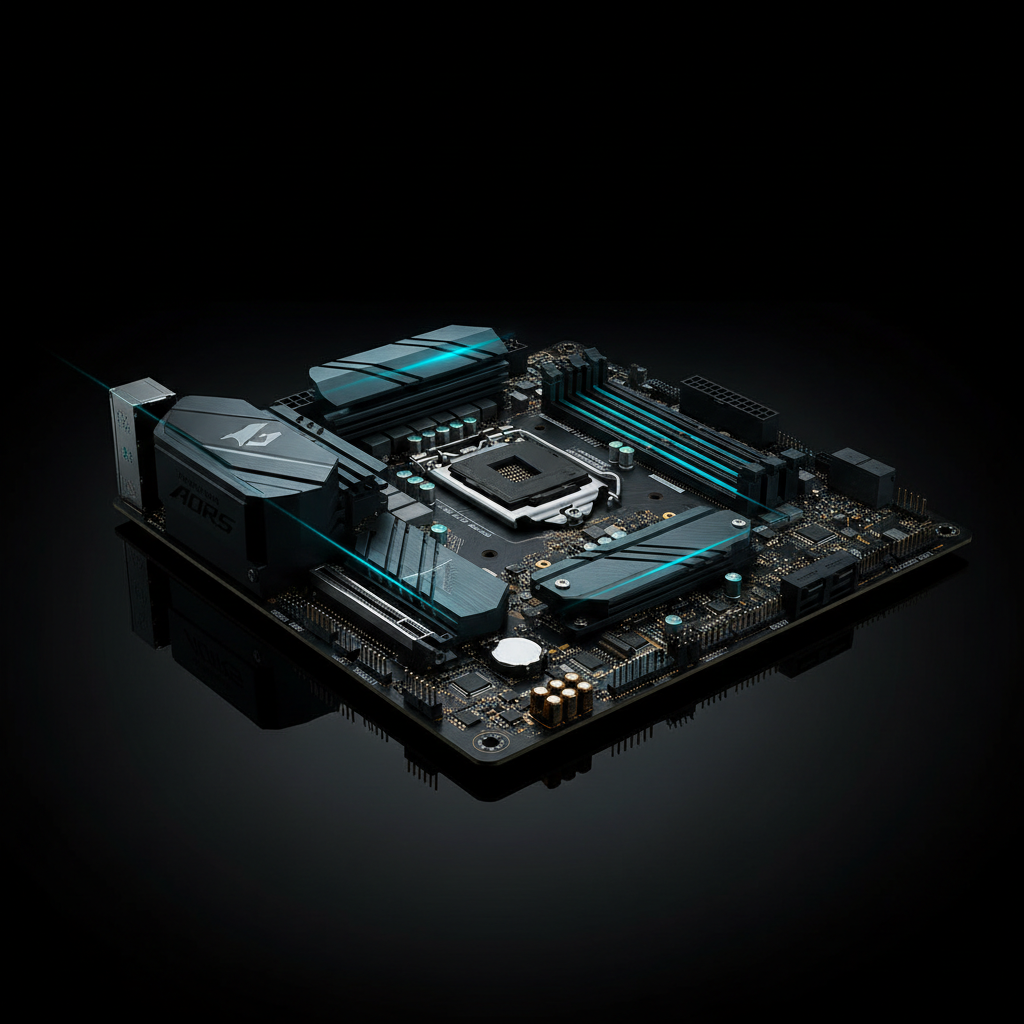
The motherboard is the main circuit board that connects all components. Important features include the number and type of ports, expansion slots, and compatibility with other hardware components.
Conclusion
Understanding hardware specifications empowers you to choose the right components for your needs. Whether you're building a PC or buying a new device, these fundamentals will help you make informed decisions. Remember, the right balance of components can significantly enhance your computing experience.